
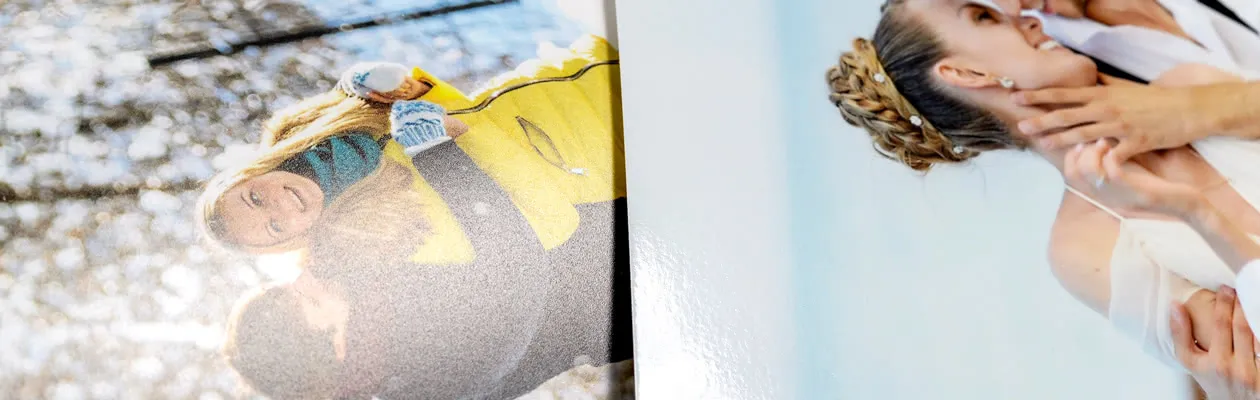
- Premium Glossy Paper 300g
- Premium Matte Paper 300g
- Home
- For Preschool
- Nursery thank you gifts
- Create a Photo Book
49.95 0.00 49.95/piece
1/24






49.95 0.00 49.95/piece
Choose your size(L)

XL
Complete the previous selections first

L
Complete the previous selections first

M
Complete the previous selections first
Complete the previous selections first
Select orientation(Landscape)

Landscape
Complete the previous selections first

Portrait
Complete the previous selections first

Square
Complete the previous selections first
Complete the previous selections first
Select cover(Hard Linen Cover)

Hard Photo Cover
From 49.95

Hard Leather Cover
From 49.95

Hard Linen Photo Cover
From 53.95

Hard Linen Cover
From 49.95

Soft Photo Cover
From 29.95

Wire-o binding
From 28.95
Complete the previous selections first
Complete the previous selections first
Delivery
6.95
6.95
Please select a product first
Made a spelling mistake?
Get a free reprint
Options
Starting at 0.25/piece
Starting at 19.95/piece
Price information
All prices are in EURO (€) including VAT and excluding shipping costs.
Description
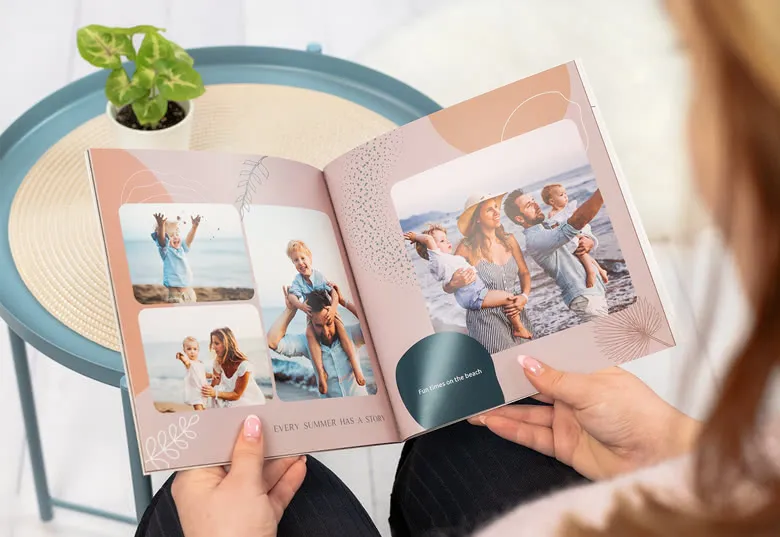
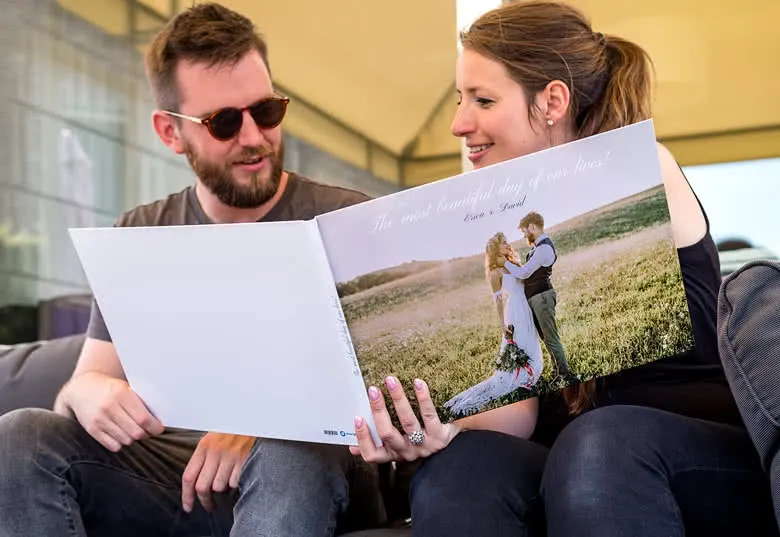
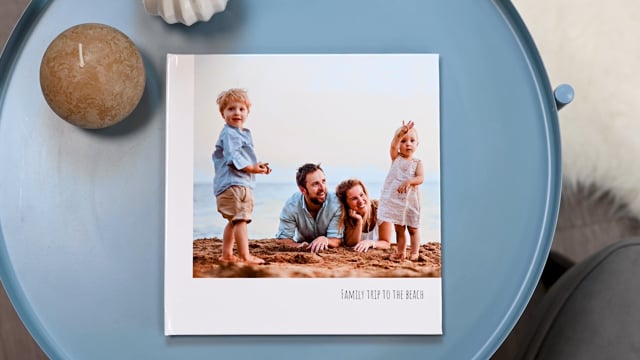
Your most treasured moments deserve to be remembered. With a personalised photo book, you can tell your story beautifully and effortlessly. Whether it’s a dreamy vacation, your wedding day, your baby’s first year, or simply a joyful collection of everyday snapshots. Start by selecting a format and cover that match your style, from a durable hard cover or light, flexible soft cover to luxurious linen or classic black leather.
With two unique ways to create your photobook, you have the freedom to choose how you preserve your memories. For anyone who wants a beautiful result quickly and effortlessly, there's the Instant Creator. With this clever tool, you simply upload your photos, and it analyses them and suggests a fitting theme. Once you've chosen a design, your photobook is put together automatically according to your preferences. A stress-free way to have a professional photo album in your hands in no time. Alternatively, you can opt for the classic method, where you keep full creative control. This way, you can customise every layout down to the finest detail, add text wherever you like, and position each element according to your own vision. Whether you go for the speed of the Instant Creator or prefer to be in charge of your own design, both methods will always produce a unique, personal, high-quality photobook filled with your favourite moments.
Want something extra special? Linen covers can now be customised with your favourite design, name, date, or even a photo. Explore a wide variety of themes, from elegant and timeless to playful and modern, all easy to customise with your own text, layouts, and photos. Printed on premium glossy or matte paper, your images will shine in rich colour and stunning detail.
Specifications
FAQ

Instant Creator

New designs
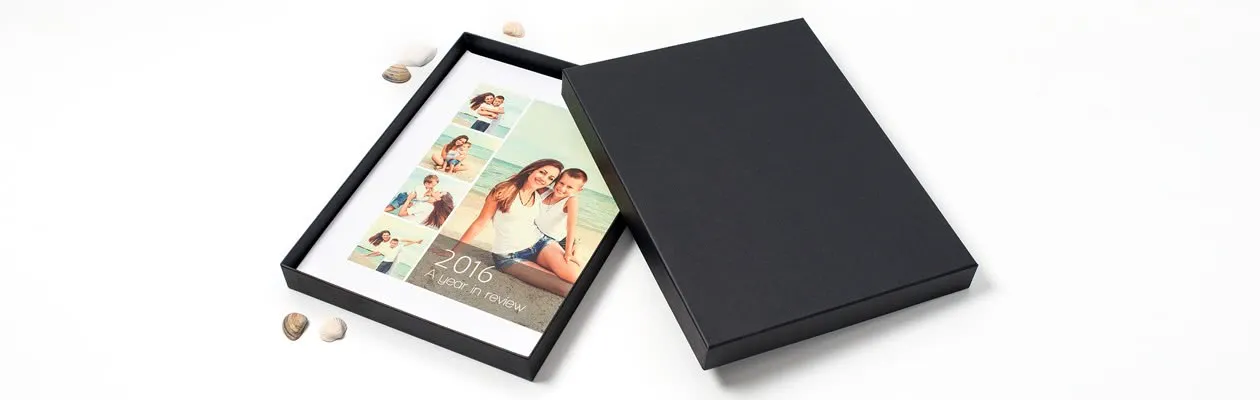
Prints In A Box
8 variants
From 19.95
Delivery from 7 October

Collection 100
16.95
Delivery from 7 October
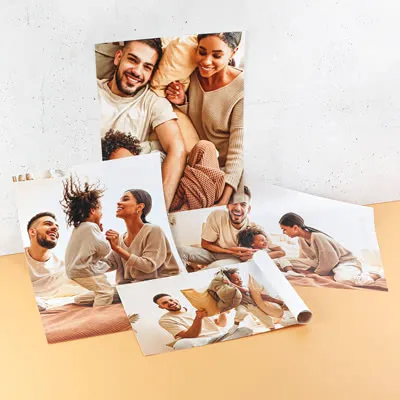
Supreme poster Variable
4 variants
From 3.95
Delivery from 7 October
Please wait...